
Start anywhere
An idea, a manuscript from Word or Markdown, or a blank page. Pick a way in; you can mix them later.
Give Author Magic an idea and it pitches the book, outlines it, and writes a first draft while you watch the pages typeset. Or write every word yourself. Either way it keeps your story straight, designs the cover, and builds the files KDP asks for, checked.
AI services built in, plus any OpenAI-compatible one
book typefaces, open-licensed and embedded
KDP paperback trim sizes, from 5 × 8 in to A4
errors from epubcheck 5.2.1 on the ebook
WORKS WITH THE AI YOU ALREADY USE


And any OpenAI-compatible service, like DeepSeek
 Mistral
 Groq
Groq
Names and logos belong to their owners. Author Magic works with these services through your own account; it isn't affiliated with or endorsed by them.
HOW IT WORKS
One app, one book. Everything you'd otherwise stitch together from a chatbot, a word processor, a series-bible spreadsheet, a cover tool and a formatter.
An idea, a manuscript from Word or Markdown, or a blank page. Pick a way in; you can mix them later.
Let the AI draft the whole book, expand your paragraphs, or only check your work. Review every change before it lands.
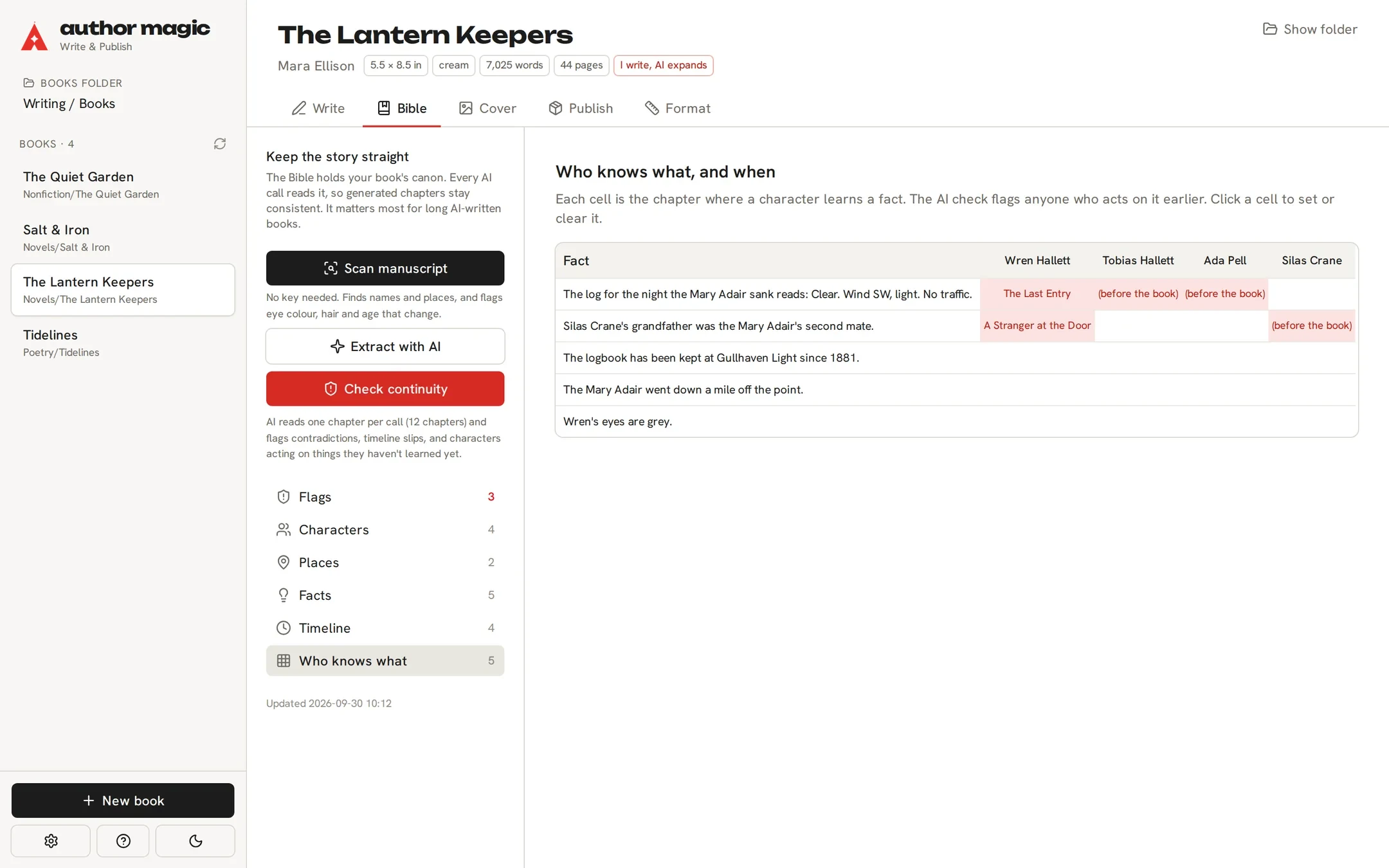
The story bible tracks characters, places, the timeline and who knows what by chapter, and flags contradictions.
Design the cover in the studio, then build the interior, cover wrap, ebook cover and EPUB, each checked against KDP's rules.
WRITE IT WITH AI
Say what the book is about, choose its shape, approve the pitch, and watch it write itself, chapter by chapter. It's a first draft: every word is yours to change.
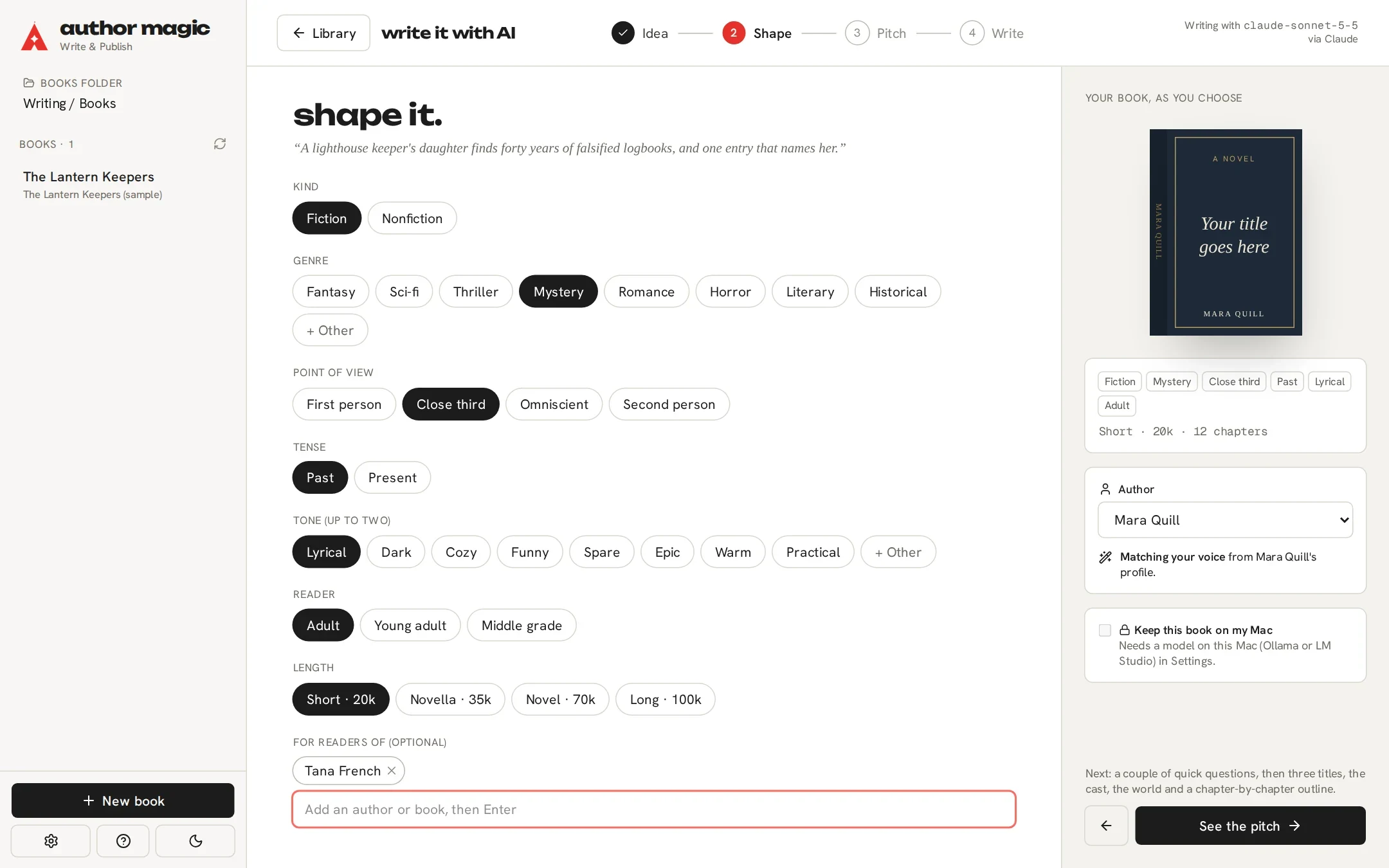
Type a sentence, tap a spark, or let it surprise you. Pick genre, point of view, tone and length; the little book restyles itself as you choose.
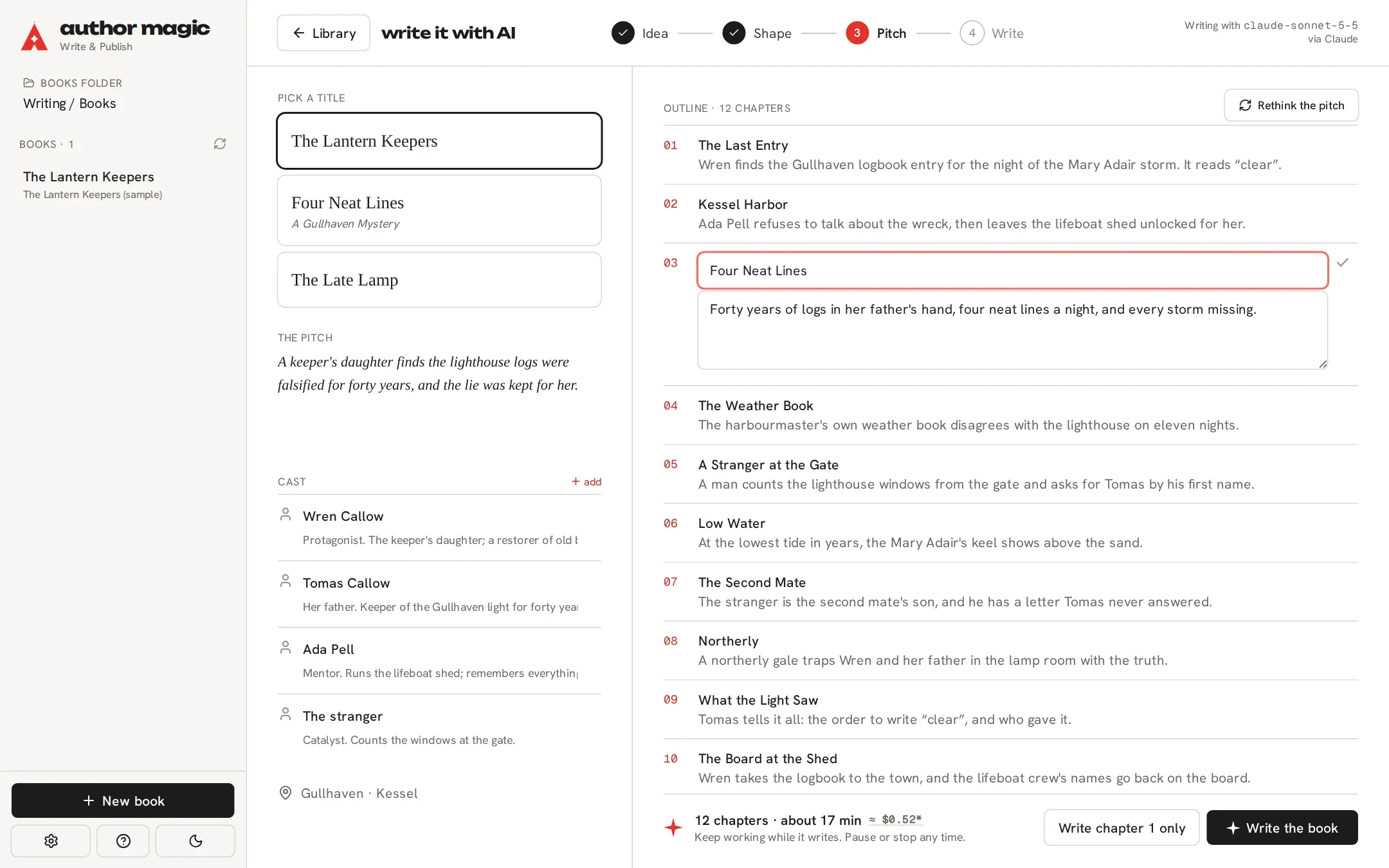
Three titles, the cast, the places, a chapter-by-chapter outline and the first page. Change anything before a word is written. A small estimate shows what the draft should cost.
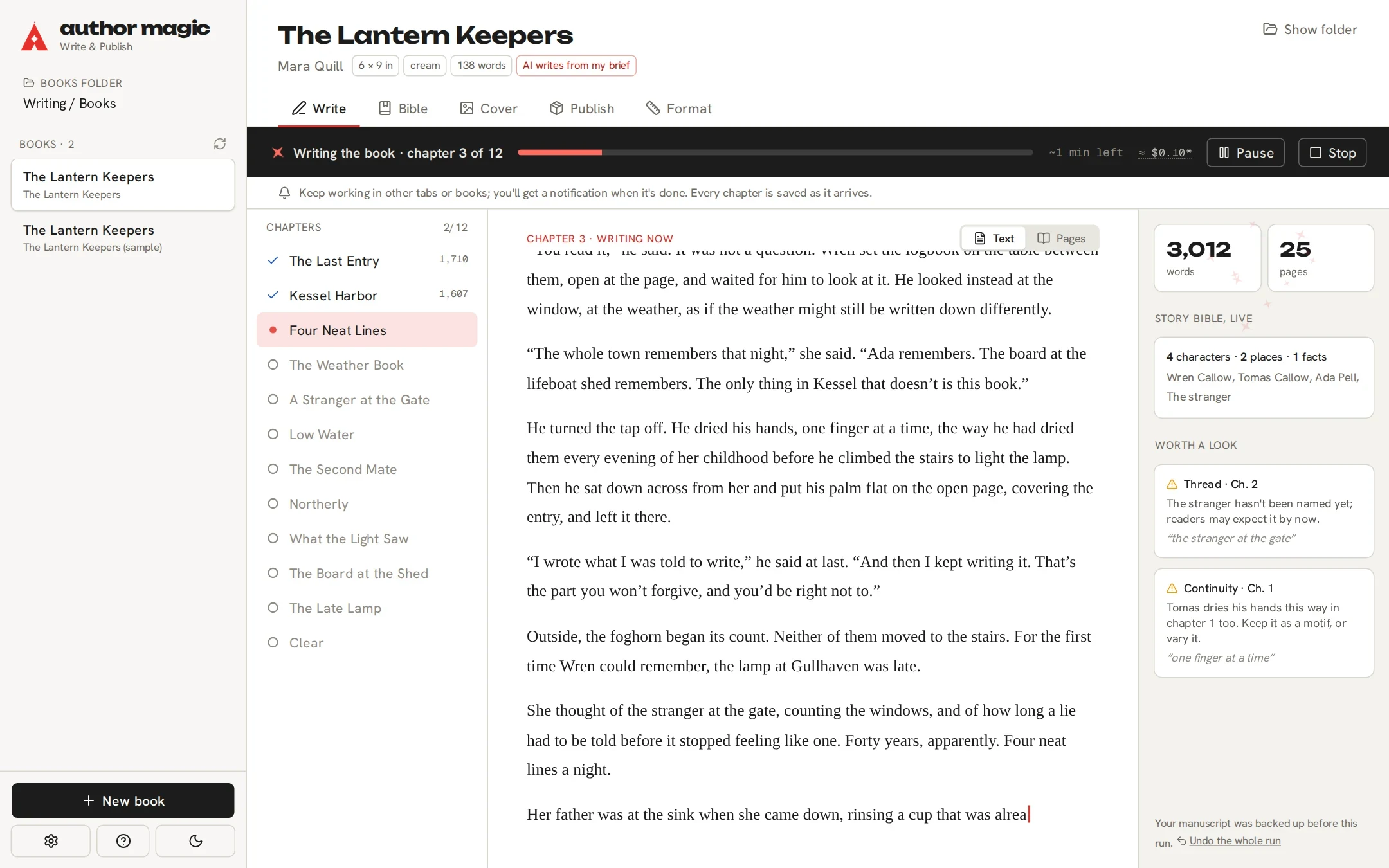
Chapters stream in and tick off. The story bible fills in, the pages typeset themselves, and notes flag anything worth a look. Pause, stop, or keep working elsewhere.
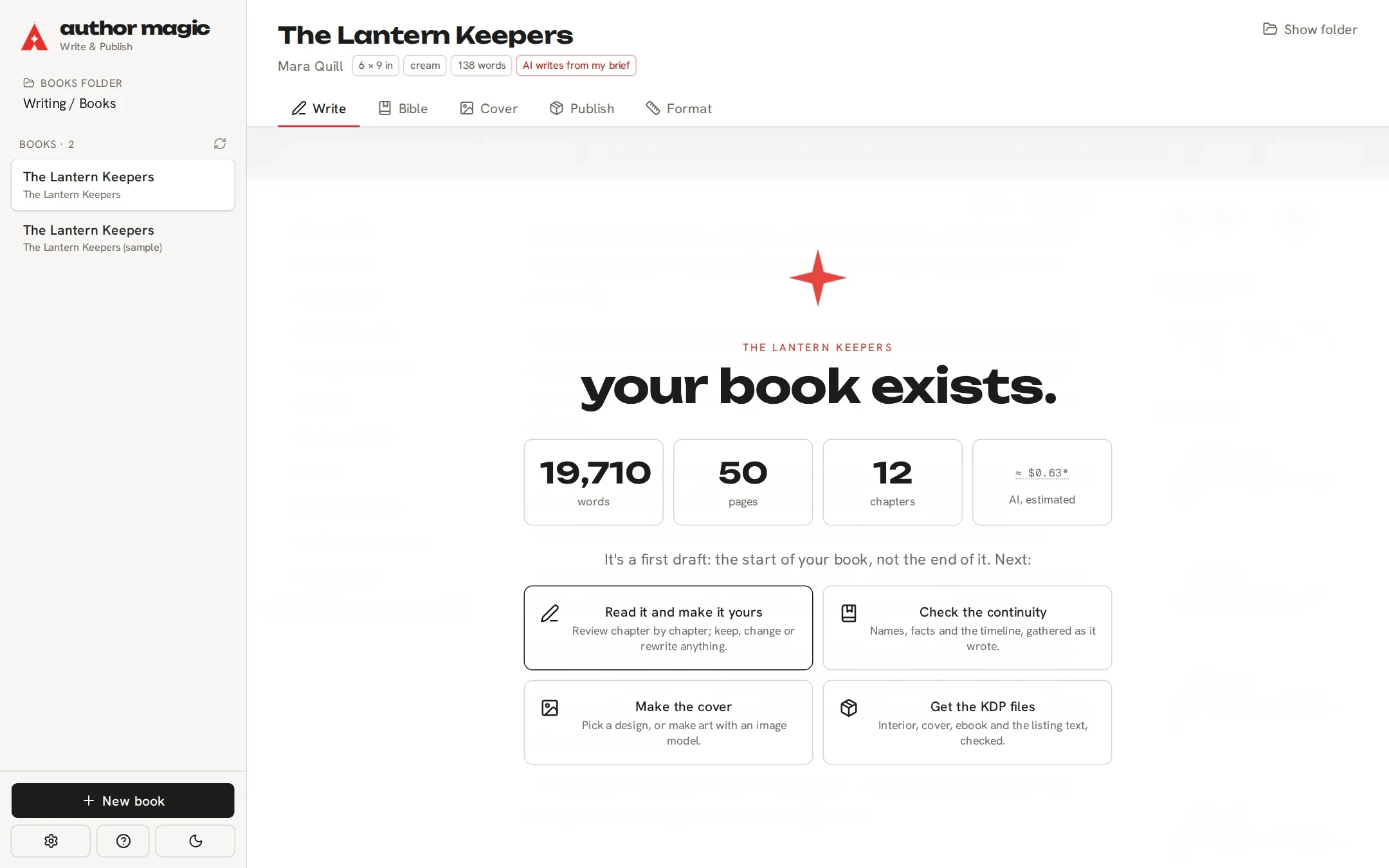
Words, pages, chapters, done. Then read it and make it yours, check the continuity, make the cover and build the KDP files.
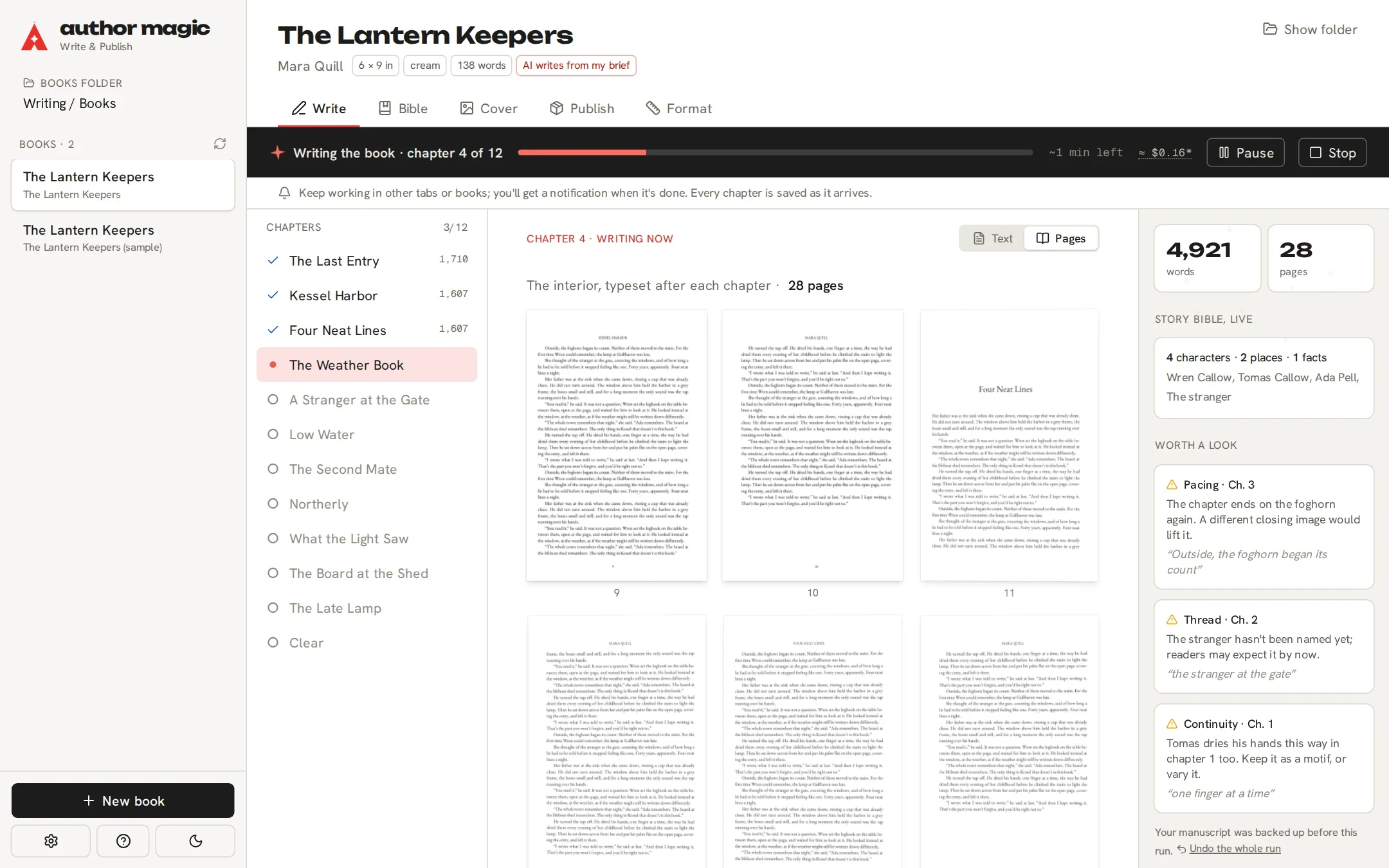
Switch to Pages while it writes and the interior is laid out after every chapter, with a real page count, not a guess.
After each chapter it checks continuity and pacing and tells you only what matters, quoting the words so you can find them.
Your manuscript is saved before it starts. Stop at any time, write just chapter one first, or undo the lot in one step.
THE AUTHORSHIP DIAL
Some authors want a proofreader with a memory. Some want a co-writer. Some want a first draft from a brief. All of them are real ways to make a book, and you can set the dial per chapter.
Every AI change opens beside your text. Keep the new version, keep yours, edit it, or ask for another try with a note. Nothing enters the book until you apply it.
A copy of the chapter is saved before every AI change. Undo the last one, or restore any earlier version from History.
Every request carries your brief, your outline, your voice and the story bible, so a drafted scene knows who has met whom.
KDP asks whether your text and images are AI-generated. The app knows which chapters the AI drafted, so the answers are filled in from your dial.
STORY BIBLE
Characters, places, facts and the timeline build up as you write. Then it reads the manuscript back and tells you where the story contradicts itself.
CONTINUITY FLAGS · THE LANTERN KEEPERS
Wren's green eyes
Wren's eyes are grey in The Last Entry.
Crane had already told her about the second mate
Wren only learns this in A Stranger at the Door, two chapters later.
the Tuesday ferry
Crane arrived on the Thursday ferry the same week.
ANY AI YOU USE
Connect Claude, OpenAI, Gemini or OpenRouter with your own key, or run a free model on your Mac. Connect several and pick the model for each job.
The key is checked the moment you paste it, and kept in your Mac's Keychain. Say hello to see a real reply come back.
Drafting, checks, cover art and private books can each use a different model. Sensible defaults are picked for you; change any of them.
A small estimate sits beside each AI action. Your provider bills you at its own rates, on your key; set a monthly limit or hide costs altogether.
Mark a book private and its text only goes to a model running on your computer, through Ollama or LM Studio.
COVERS AND TYPESETTING
Start from a design, then open the studio: every title, shape, pattern and picture is a layer you can drag, resize, rotate and recolour on the real KDP wrap. The spine lands on the spine.
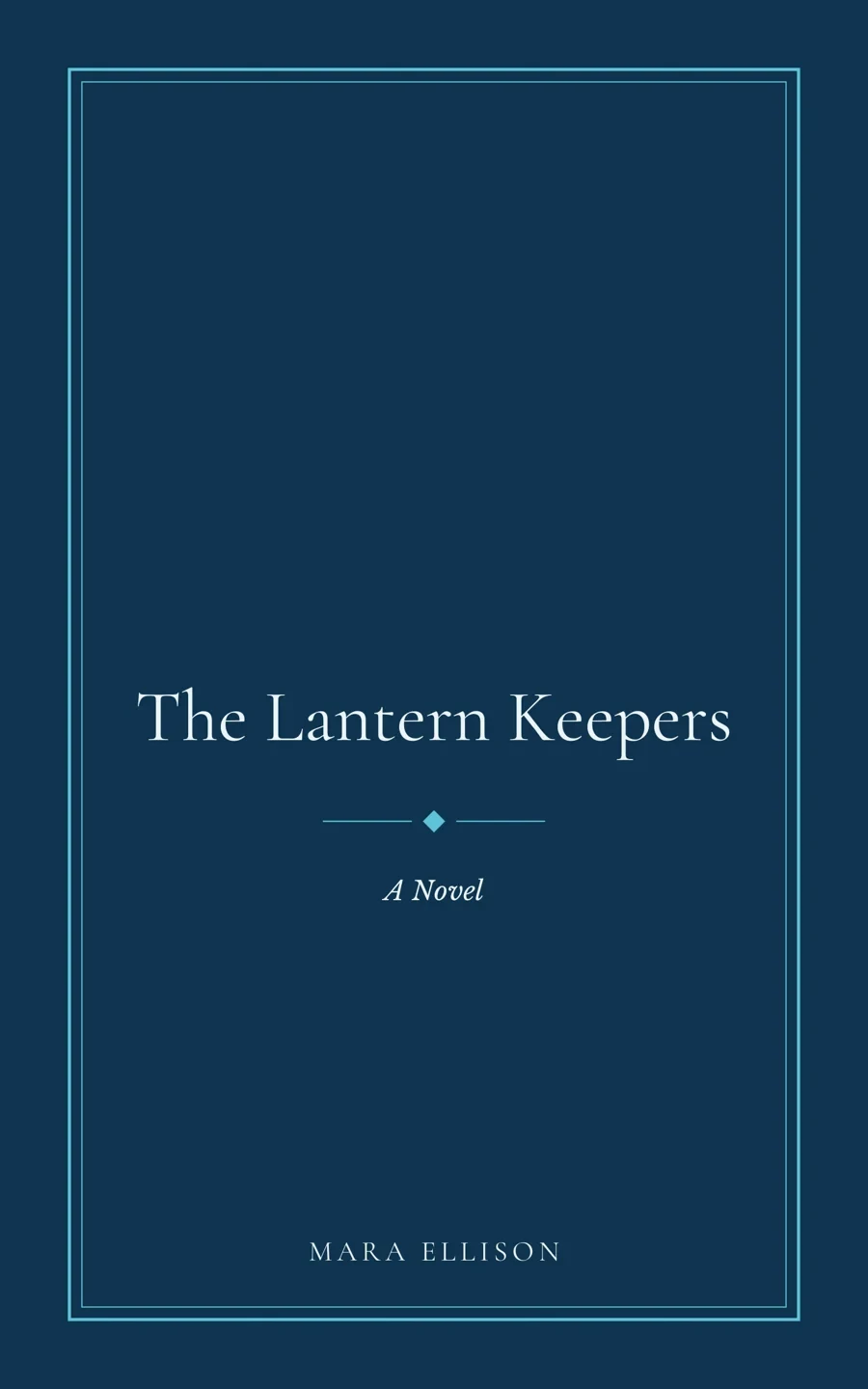

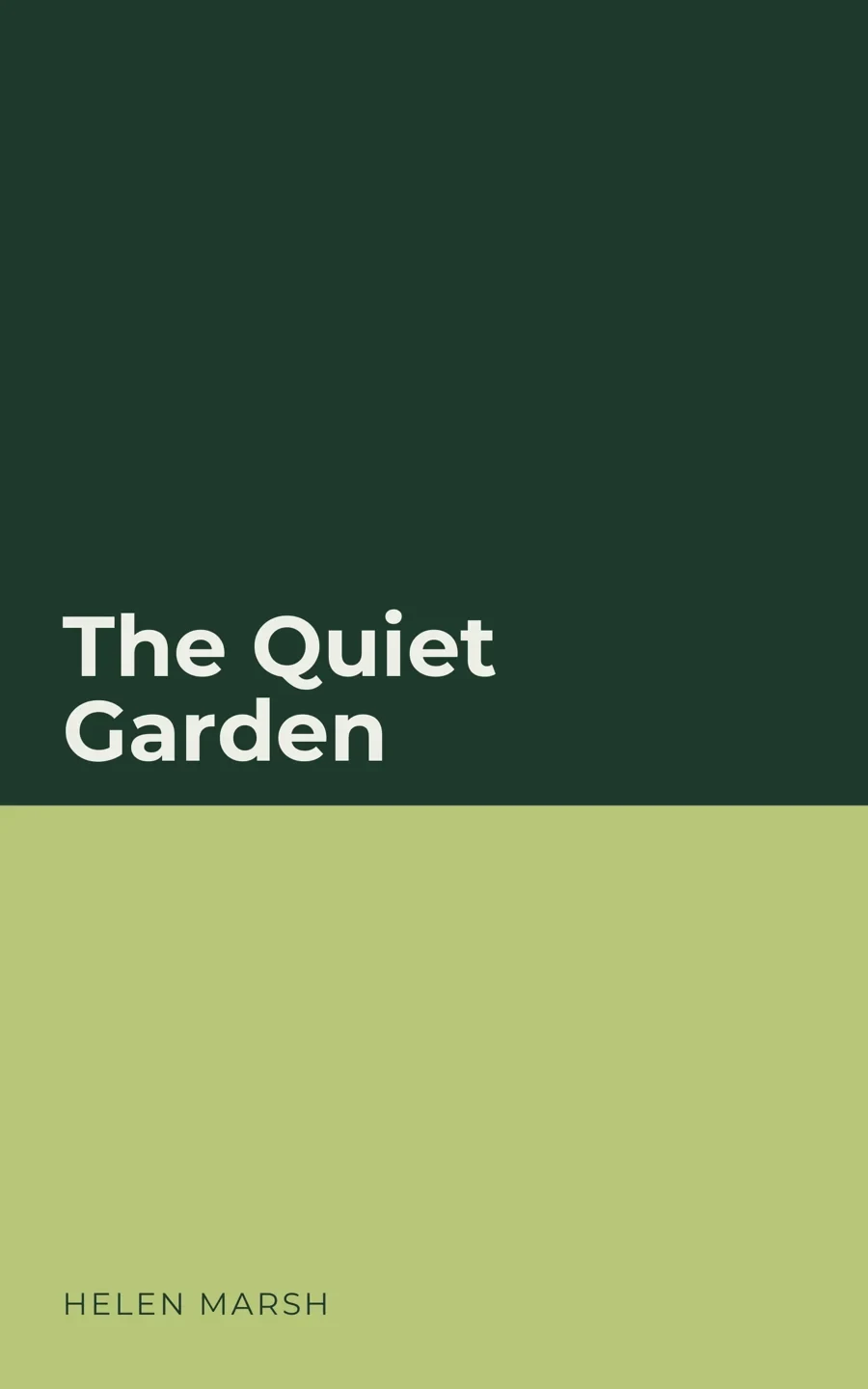
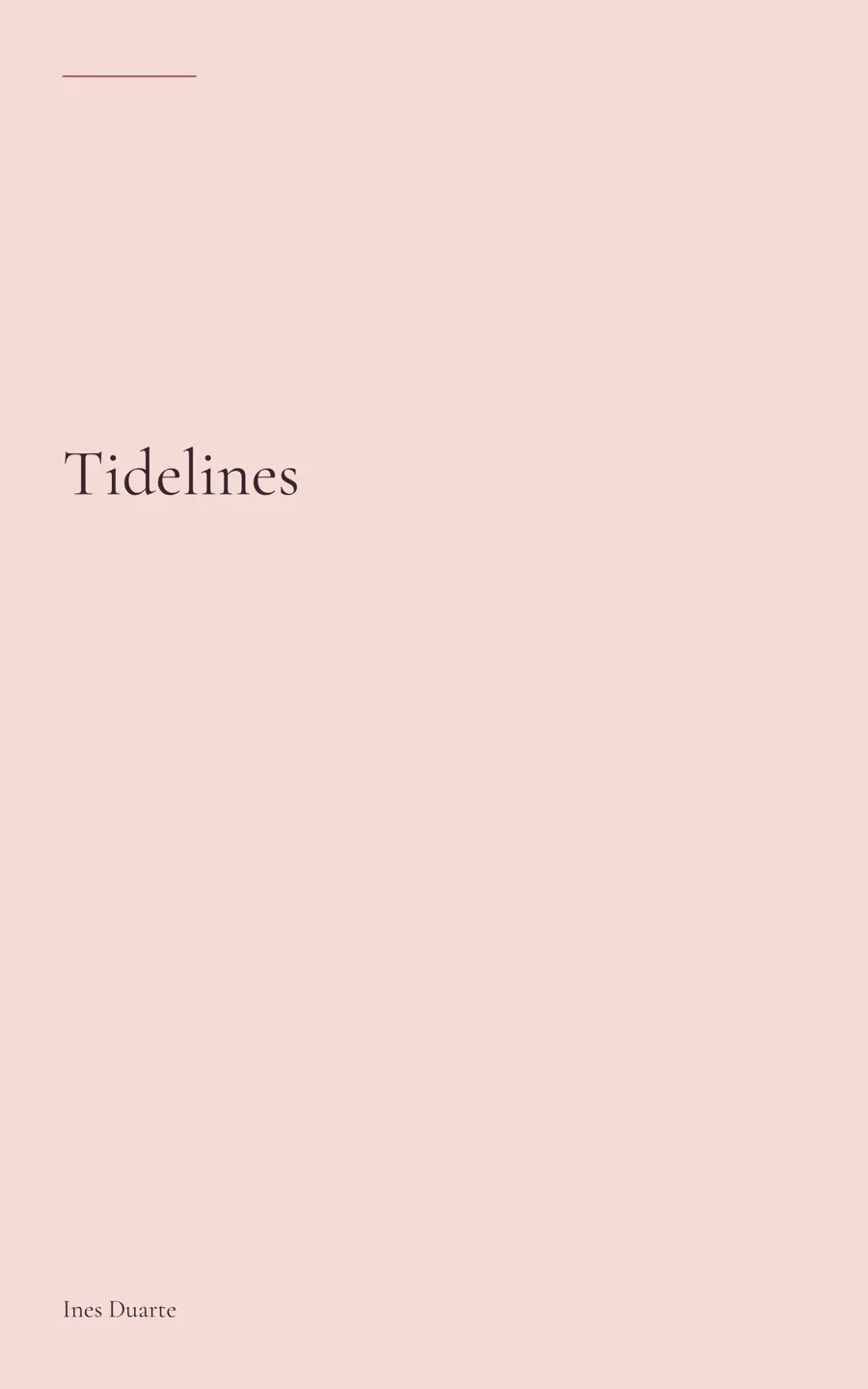
Sample books made in Author Magic. The titles and authors are fictional.
THE KDP PACK
One button builds everything KDP asks for, checks it, and puts it in one folder, numbered in the order you'll upload it.
Before it says Ready, it checks trim size, page count, the gutter for that page count, and embedded fonts. If something's wrong, it tells you what and how to fix it.
YOURS, ON YOUR COMPUTER
We don't have servers for your writing. Author Magic is a desktop app, and your books are ordinary folders you can open without us.
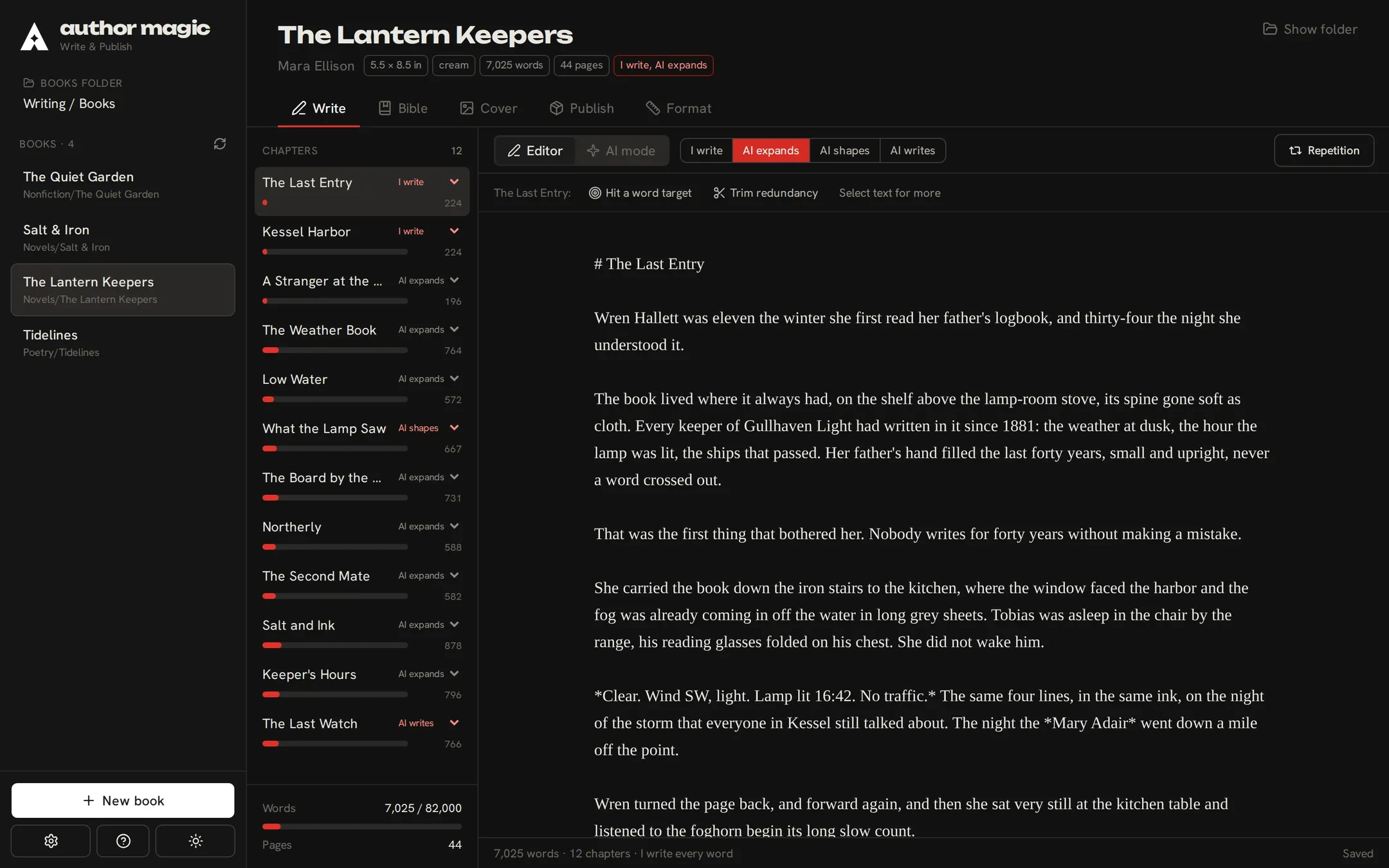
You choose where your books live. Each one is a folder with your manuscript in plain Markdown, the story bible and the built files.
AI runs on your own account with the service you choose, billed by them. There's no Author Magic subscription.
Author profiles hold the name, bios, photo and writing voice for you and each pen name. Pick one when you start a book.
Writing, the bible, covers and building files all work offline. Text goes out only when you ask the AI for something.
PRICING
one-timeNo subscription
Every book, start to finish
The AI writes the rest of each book
Unlimited AI edits
The clean KDP pack and EPUB
Any AI service, on your own keys
Mac app for Apple Silicon
Every 1.x update
Refund within 7 days if it won't work
Try the free version first: it has no time limit. Refund policy
Finish and publish one book: the rest of its AI writing and its KDP pack. It counts toward the full licence for 60 days, so upgrading costs $100.
The idea, the pitch and chapter 1 of every book, written by the AI, plus about 3,000 words of AI edits in each book. Every editing, story bible and cover tool. Sample PDFs to print and hold, stamped SAMPLE. Buy when you want the rest.
Your AI provider bills you for what you use, at its own rates, on your key. Author Magic doesn't charge for AI or mark it up. A whole first draft usually costs a few dollars, and models on your Mac are free.
Your manuscript is always a plain file in your folder, licensed or not. If you ever stop using Author Magic, your books and built files stay where they are.
QUESTIONS

Free with no time limit. Take the pitch and chapter 1 all the way to a sample proof before you decide.
Download it freeIt writes a complete first draft from your idea and the pitch you approve, chapter by chapter, in the background. Then it's yours to read, change and finish. You can also write every word yourself.
Yes. A walkthrough runs the first time you open it, and the Guide in the Help menu covers every step to upload.
Yes: a Word file (.docx), Markdown or plain text. Headings become chapters.
Only for AI features (unless you use a model on your Mac), and once to activate your licence. Everything else works offline.
The idea, the pitch and chapter 1 of every book, written by the AI, about 3,000 words of AI edits per book, every tool, and sample PDFs to print. There's no time limit. A licence ($149 once) finishes every book and builds the KDP pack; $49 finishes just one.
Yes. A book licence ($49) counts toward the full licence for 60 days, so the upgrade costs $100. The upgrade link is in the app, under Settings → Licence.
The one you choose: Claude, OpenAI, Gemini, OpenRouter, or a free model on your Mac with Ollama or LM Studio, plus any OpenAI-compatible service. Connect several and pick a model for each job.
No. AI runs on your own account with the provider, who bills you for what you use at their rates. Author Magic shows a small estimate before you start and never marks it up. Models on your Mac are free.
You do. We never see your manuscript. The only text that leaves your Mac is what you send to the AI service you chose.
Yes. KDP asks you to disclose AI-generated text, images and translations; AI-assisted editing doesn't need declaring. Author Magic fills in those answers from your dial.
Version 1 is built and tested for KDP paperback and Kindle. The PDF and EPUB are standard files, but we only promise KDP's rules.
It drafts one from your book if you ask. The blurb, keywords and categories go into a metadata sheet laid out like KDP's form.

Write it your way, keep it straight, and upload files you know will pass.